# How to play
## NumPlay
| Key | What it does |
| --- | --- |
| **Left / Right** (or 4 / 6) | Pick a game |
| **OK** or **EXE** (or 5) | Play |
| **Back** | Leave a game's main menu to come back here. On the carousel, quit NumPlay |
| **Home** | Quit, from anywhere |
The last card, **Settings**, can:
- **Reset** a game's progress, or every game's at once: hold **OK** on the red button to confirm (levels you made are kept)
- **Uninstall** the games you don't play, to free up space
- **Start as Matrices**: NumPlay opens as a plain matrix calculator. Your secret way in opens the games: pick the x,n,t key, var, Toolbox, π, √, or *Examples* in the Toolbox menu. A small gray hint in the corner names it (turn it off with **Show a hint**)
Your progress is also copied into a Python script, `numplay_saves.py`, so updating NumPlay doesn't erase it. Leave it there; if it gets deleted, NumPlay writes it again.
In every game, **Back** pauses, and the pause menu has a small **Quit game** button. It always asks first, since Back sits right next to OK.
## NumDash
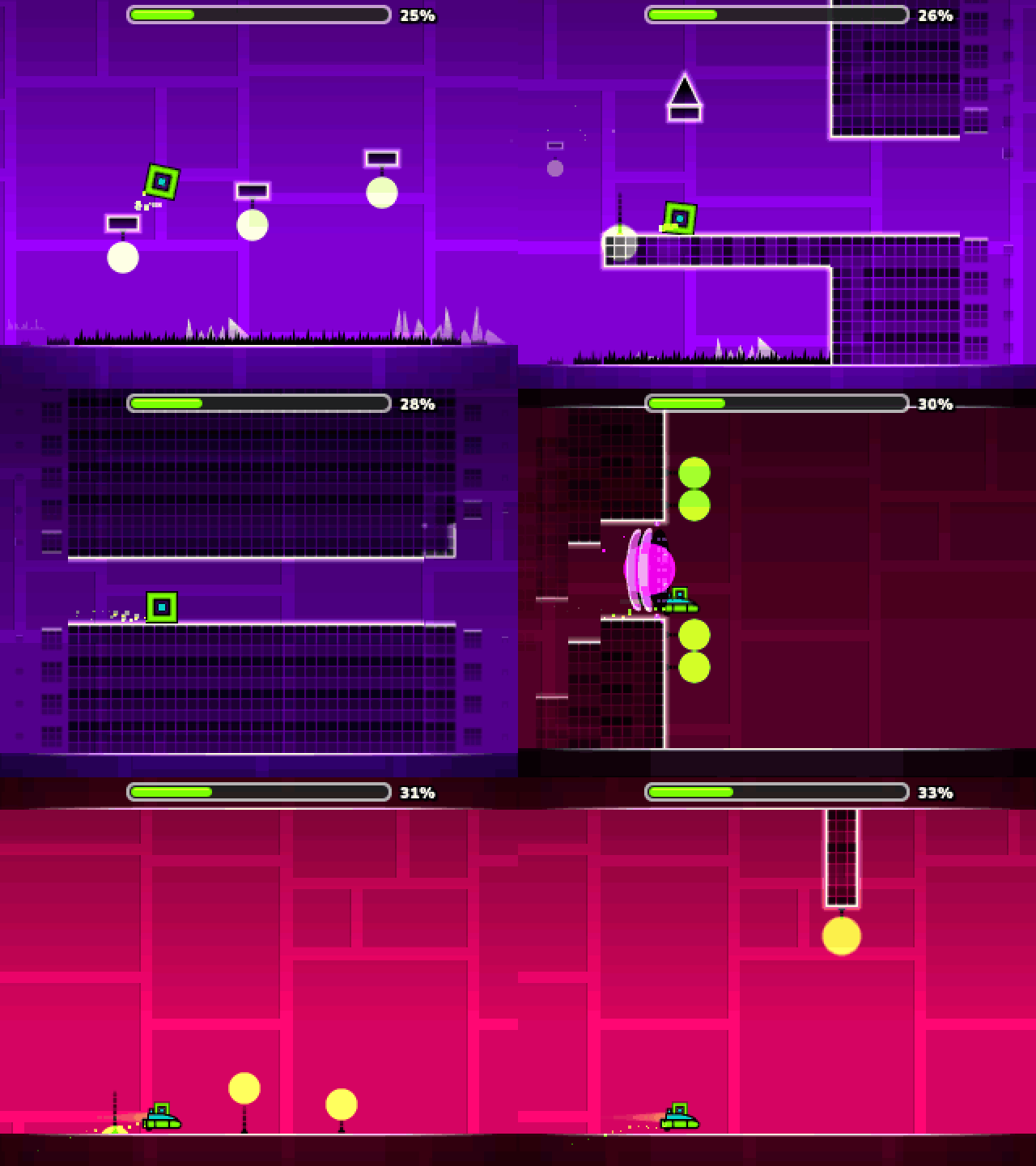 | Key | What it does |
| --- | --- |
| **OK**, **EXE** or **Up** | Jump. Hold to keep jumping, fly the ship up, or flip the ball's gravity |
| **Back** | Pause, or go back in menus |
| **0** | Place a checkpoint (practice mode) |
| **⌫** | Remove your last checkpoint |
Twelve levels, from Stereo Madness to Clubstep, Deadlocked and Dash. The **?** button on the main menu shows every key. In the level editor, **KEYS** on the My Levels screen draws the keyboard with what each key does (it also shows the first time you open the editor).
| Key | What it does |
| --- | --- |
| **OK**, **EXE** or **Up** | Jump. Hold to keep jumping, fly the ship up, or flip the ball's gravity |
| **Back** | Pause, or go back in menus |
| **0** | Place a checkpoint (practice mode) |
| **⌫** | Remove your last checkpoint |
Twelve levels, from Stereo Madness to Clubstep, Deadlocked and Dash. The **?** button on the main menu shows every key. In the level editor, **KEYS** on the My Levels screen draws the keyboard with what each key does (it also shows the first time you open the editor).
## Crossy Road
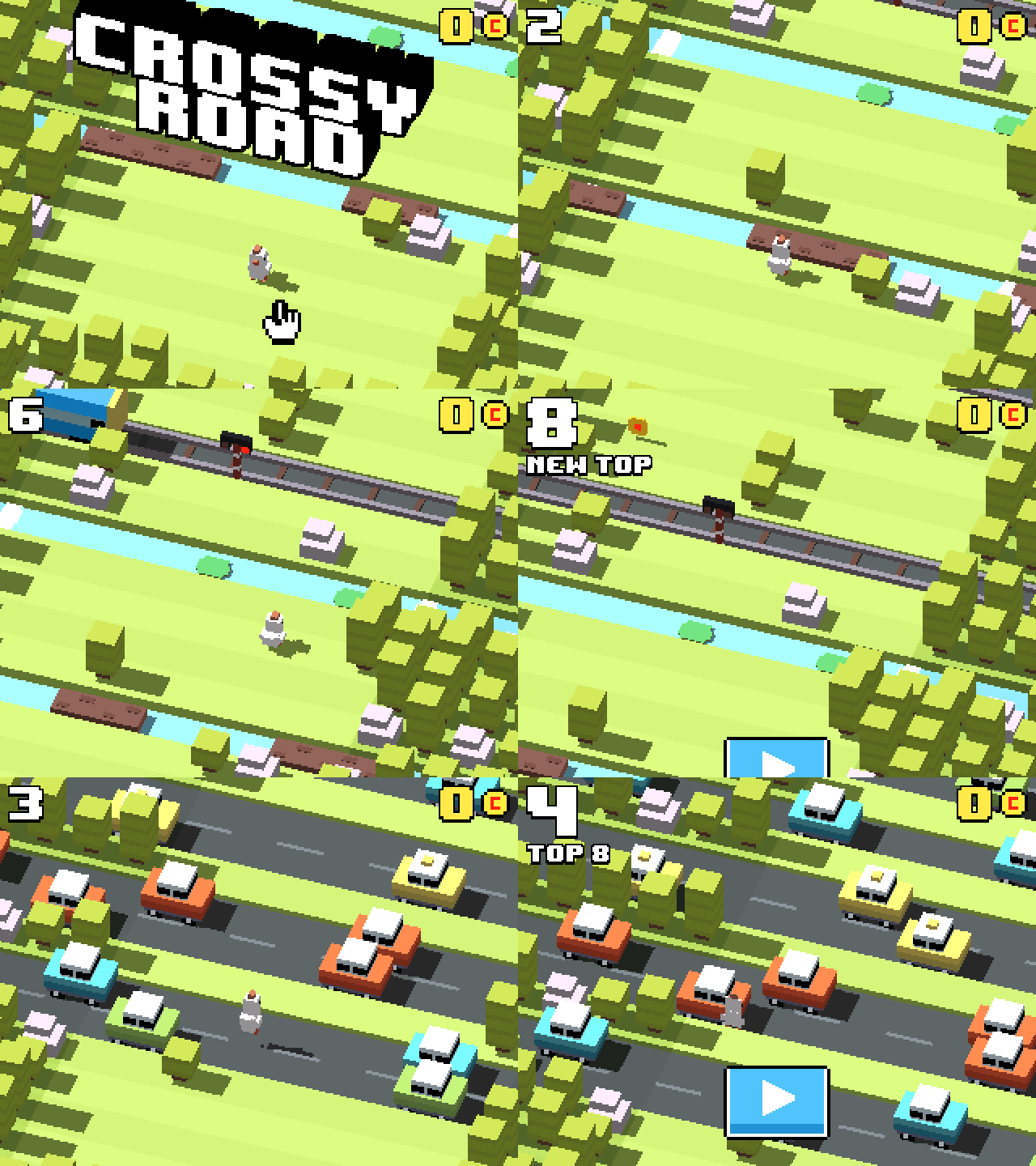 | Key | What it does |
| --- | --- |
| **Up**, **OK** or **EXE** | Hop forward |
| **Left / Right / Down** | Hop sideways or back |
| **Back** | Pause (then Quit game) |
Keep moving, or the eagle gets you. Coins add up across every run and stay saved.
| Key | What it does |
| --- | --- |
| **Up**, **OK** or **EXE** | Hop forward |
| **Left / Right / Down** | Hop sideways or back |
| **Back** | Pause (then Quit game) |
Keep moving, or the eagle gets you. Coins add up across every run and stay saved.
## NumDrive
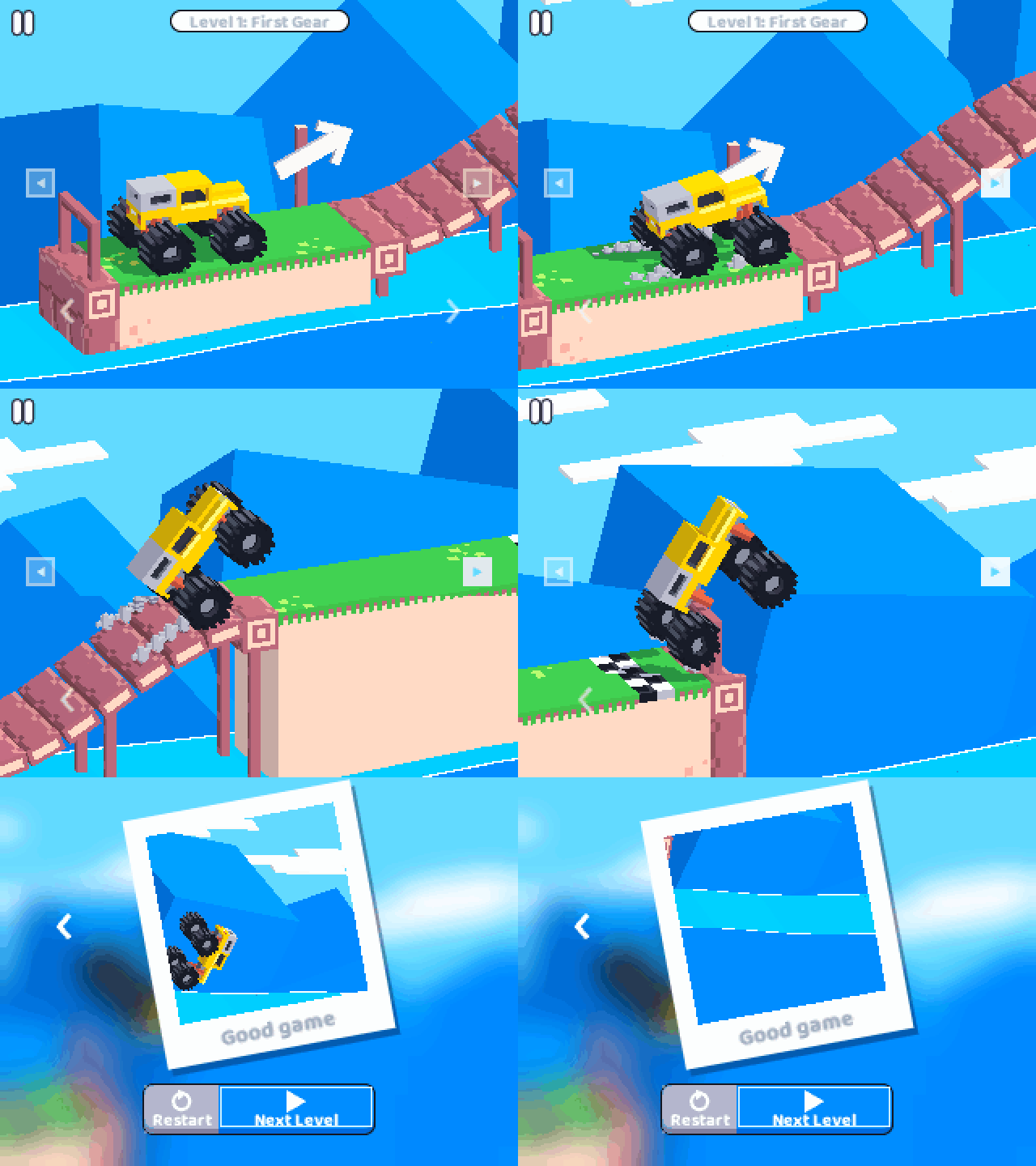 | Key | What it does |
| --- | --- |
| **Right** | Drive forward |
| **Left** | Brake and reverse |
| **OK** or **Back** | Pause. **Back** again resumes |
| **Levels** on the pause card | Pick any level |
Don't floor it the whole way: too much gas flips the car.
| Key | What it does |
| --- | --- |
| **Right** | Drive forward |
| **Left** | Brake and reverse |
| **OK** or **Back** | Pause. **Back** again resumes |
| **Levels** on the pause card | Pick any level |
Don't floor it the whole way: too much gas flips the car.
## Balatro
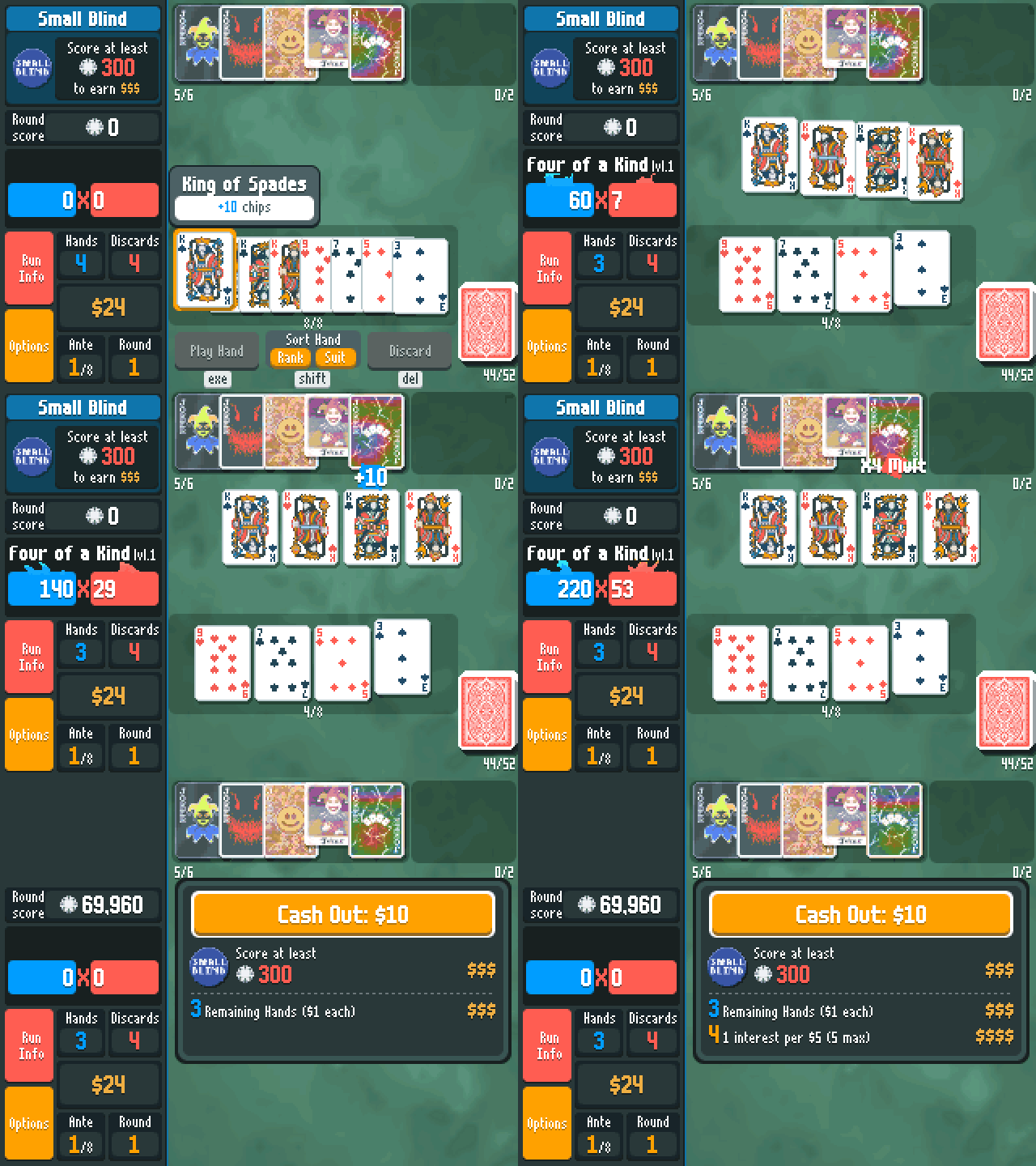 | Key | What it does |
| --- | --- |
| **Arrows** | Move between cards, Jokers and buttons |
| **OK** | Pick a card, or open a Joker or shop item (Buy, Sell, Use) |
| **EXE** | Play hand |
| **⌫** | Discard |
| **Shift** | Sort by rank or suit |
| **Alpha + Left / Right** | Move a Joker or a card |
| **Toolbox** / **Var** | Run info / your deck |
| **Back** | Options |
Hold **OK** or **EXE** to speed up the scoring.
| Key | What it does |
| --- | --- |
| **Arrows** | Move between cards, Jokers and buttons |
| **OK** | Pick a card, or open a Joker or shop item (Buy, Sell, Use) |
| **EXE** | Play hand |
| **⌫** | Discard |
| **Shift** | Sort by rank or suit |
| **Alpha + Left / Right** | Move a Joker or a card |
| **Toolbox** / **Var** | Run info / your deck |
| **Back** | Options |
Hold **OK** or **EXE** to speed up the scoring.
## Buckshot Roulette
 | Key | What it does |
| --- | --- |
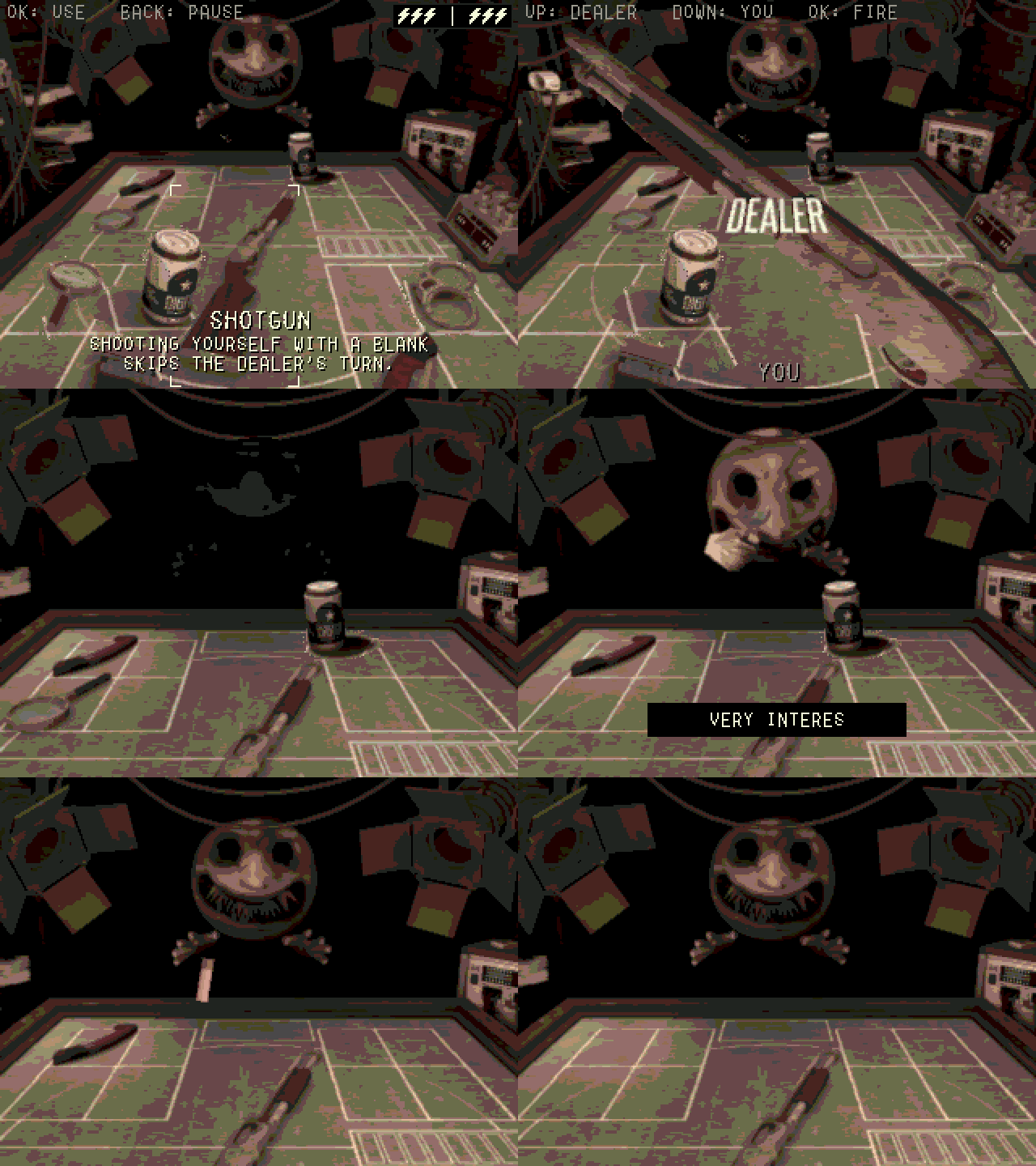
| **Arrows** | Move between your items and the shotgun. Go up to read the Dealer's items |
| **OK** or **EXE** | Use an item, pick up the shotgun, fire |
| **Up / Down** | With the shotgun: aim at the Dealer / at yourself |
| **Letter keys** | Sign the waiver (EXE signs) |
| **Back** | Pause |
Shooting yourself with a blank keeps your turn.
| Key | What it does |
| --- | --- |
| **Arrows** | Move between your items and the shotgun. Go up to read the Dealer's items |
| **OK** or **EXE** | Use an item, pick up the shotgun, fire |
| **Up / Down** | With the shotgun: aim at the Dealer / at yourself |
| **Letter keys** | Sign the waiver (EXE signs) |
| **Back** | Pause |
Shooting yourself with a blank keeps your turn.
## Champion Island
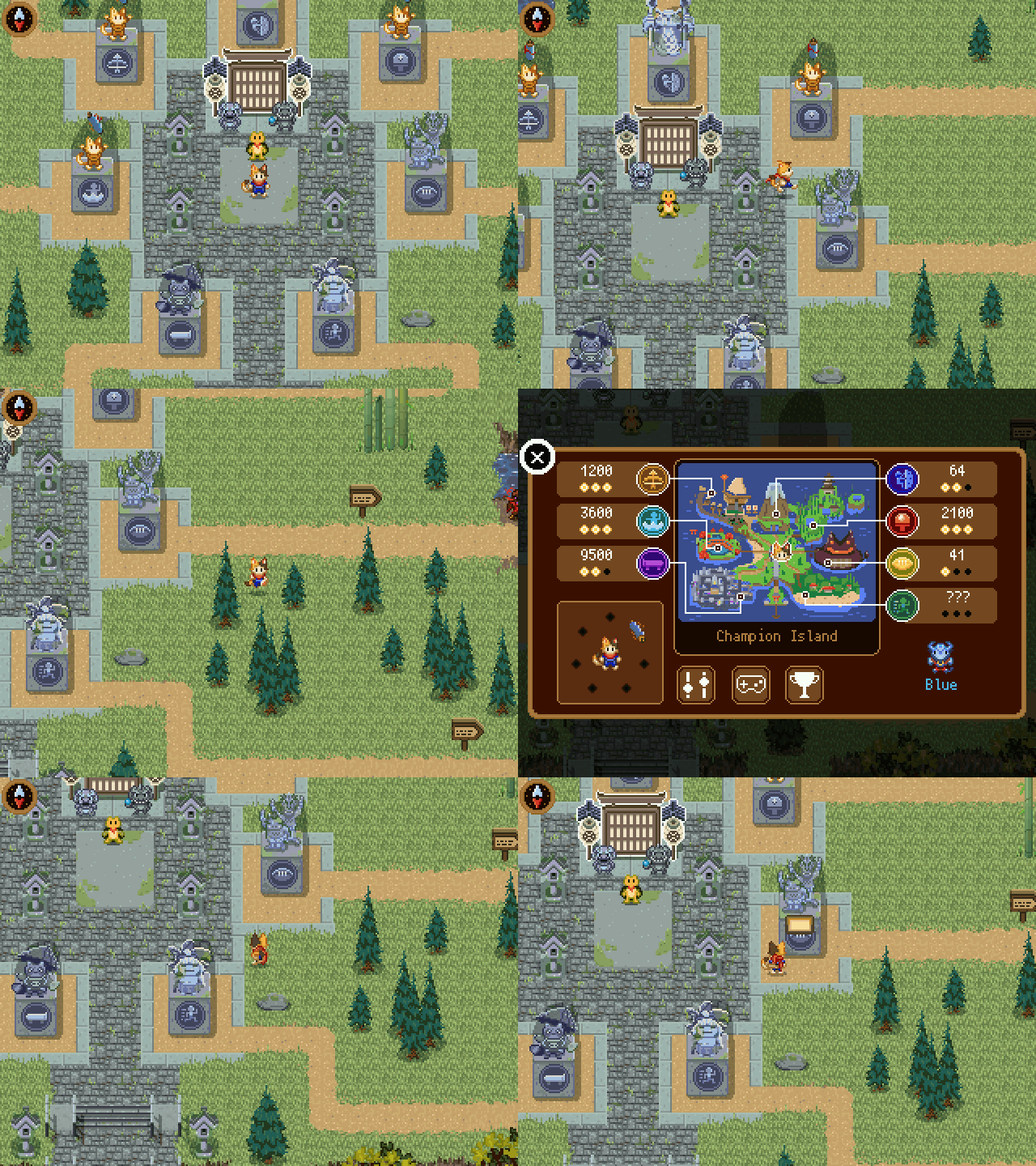 Champion Island comes as its own app, `ChampionIsland.nwa`: it is too big to share the calculator with NumPlay.
| Key | What it does |
| --- | --- |
| **Arrows** (or 4, 6, 8, 2) | Walk, and play |
| **OK**, **EXE** or 5 | Talk, go through doors, and each sport's action |
| **Back** | On the island: the map. In a sport: pause |
| **Home** | Save and quit |
| Sport | Arrows | OK |
| --- | --- | --- |
| Table Tennis | Move to the ball | Power shot |
| Skateboarding | Move and do tricks | Jump and do tricks |
| Archery | Move | Shoot |
| Rugby | Move | Pass |
| Artistic Swimming | Hit the arrow beats | |
| Marathon | Move | Dodge |
| Climbing | Move | Jump |
Every sport shows its rules and keys before it starts. Your progress is also copied into `champion_saves.py`, so installing the app again doesn't erase it.
Champion Island comes as its own app, `ChampionIsland.nwa`: it is too big to share the calculator with NumPlay.
| Key | What it does |
| --- | --- |
| **Arrows** (or 4, 6, 8, 2) | Walk, and play |
| **OK**, **EXE** or 5 | Talk, go through doors, and each sport's action |
| **Back** | On the island: the map. In a sport: pause |
| **Home** | Save and quit |
| Sport | Arrows | OK |
| --- | --- | --- |
| Table Tennis | Move to the ball | Power shot |
| Skateboarding | Move and do tricks | Jump and do tricks |
| Archery | Move | Shoot |
| Rugby | Move | Pass |
| Artistic Swimming | Hit the arrow beats | |
| Marathon | Move | Dodge |
| Climbing | Move | Jump |
Every sport shows its rules and keys before it starts. Your progress is also copied into `champion_saves.py`, so installing the app again doesn't erase it.
## Portal Returns
 | Key | What it does |
| --- | --- |
| **Left / Right** | Run |
| **Up** | Jump |
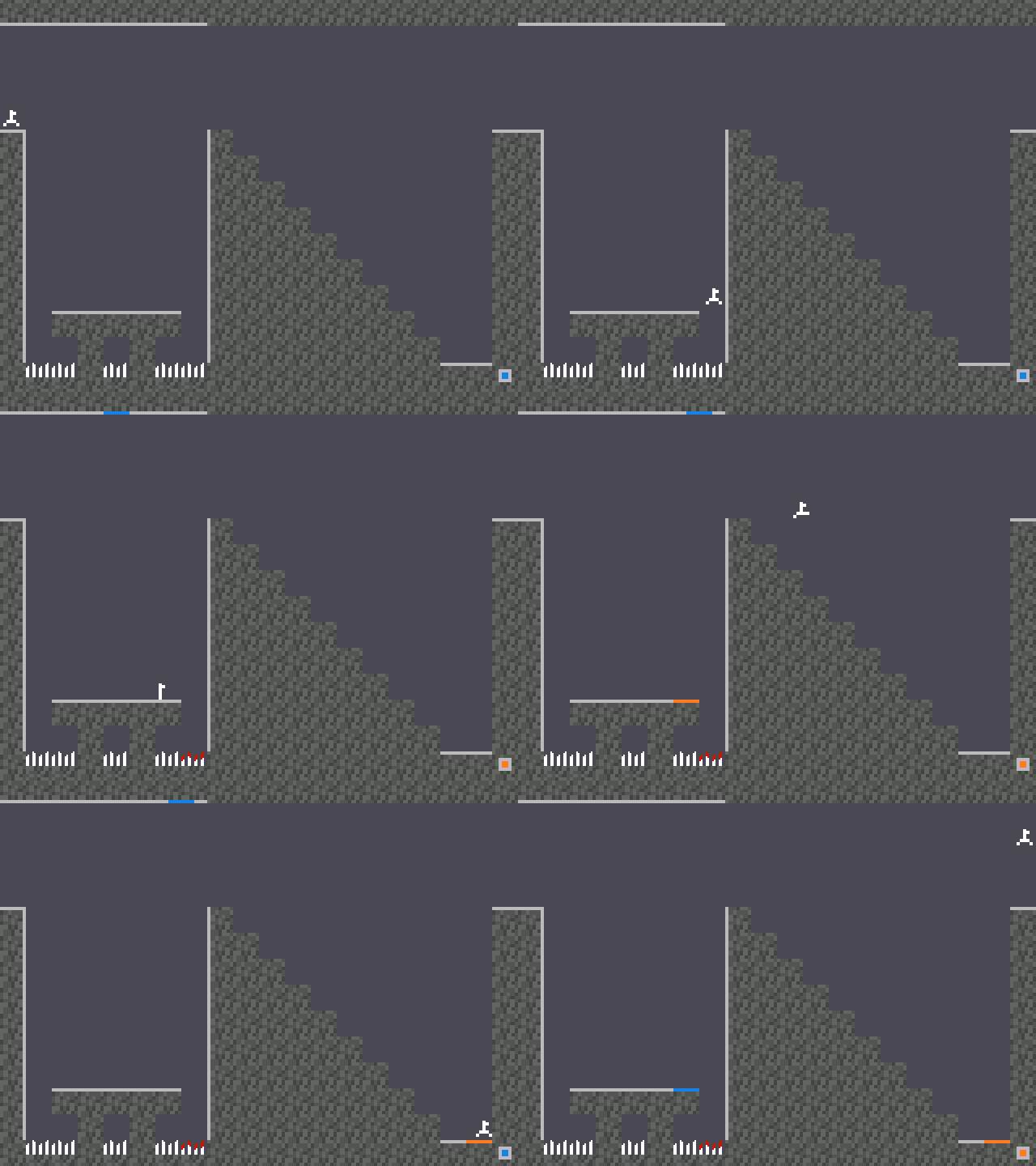
| **1 to 9** (not 5) | Fire a portal that way: 7 is up left, 3 is down right |
| **5** | Switch the color of the next portal |
| **OK** or **EXE** | Pick up or drop a cube, continue |
| **Back** | Pause |
**Help** on the title screen shows every key and every test element.
| Key | What it does |
| --- | --- |
| **Left / Right** | Run |
| **Up** | Jump |
| **1 to 9** (not 5) | Fire a portal that way: 7 is up left, 3 is down right |
| **5** | Switch the color of the next portal |
| **OK** or **EXE** | Pick up or drop a cube, continue |
| **Back** | Pause |
**Help** on the title screen shows every key and every test element.
## Tetris
 | Key | What it does |
| --- | --- |
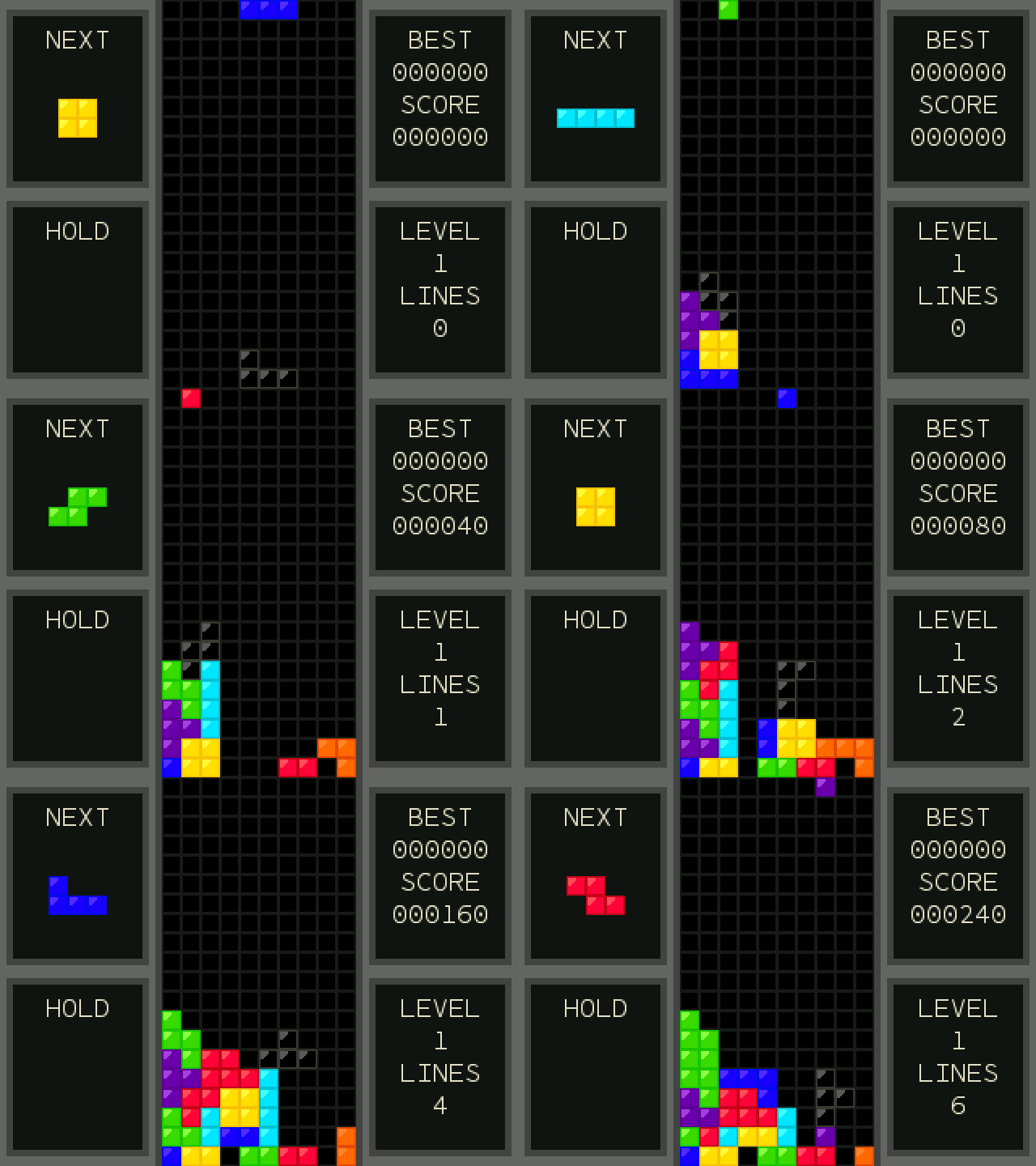
| **Left / Right** (or 4 / 6) | Move |
| **Down** (or 2) | Soft drop |
| **Up** (or 8) | Hard drop |
| **OK** | Rotate |
| **Toolbox** | Rotate the other way |
| **⌫** | Hold the piece |
| **Back** | Pause (then Quit game) |
| Key | What it does |
| --- | --- |
| **Left / Right** (or 4 / 6) | Move |
| **Down** (or 2) | Soft drop |
| **Up** (or 8) | Hard drop |
| **OK** | Rotate |
| **Toolbox** | Rotate the other way |
| **⌫** | Hold the piece |
| **Back** | Pause (then Quit game) |
## Chess
 | Key | What it does |
| --- | --- |
| **Arrows** | Move the cursor |
| **OK** or **EXE** | Pick a piece, then its move |
| **Back** | Deselect, pause menu (with Quit game), or back |
| **⌫** | Undo |
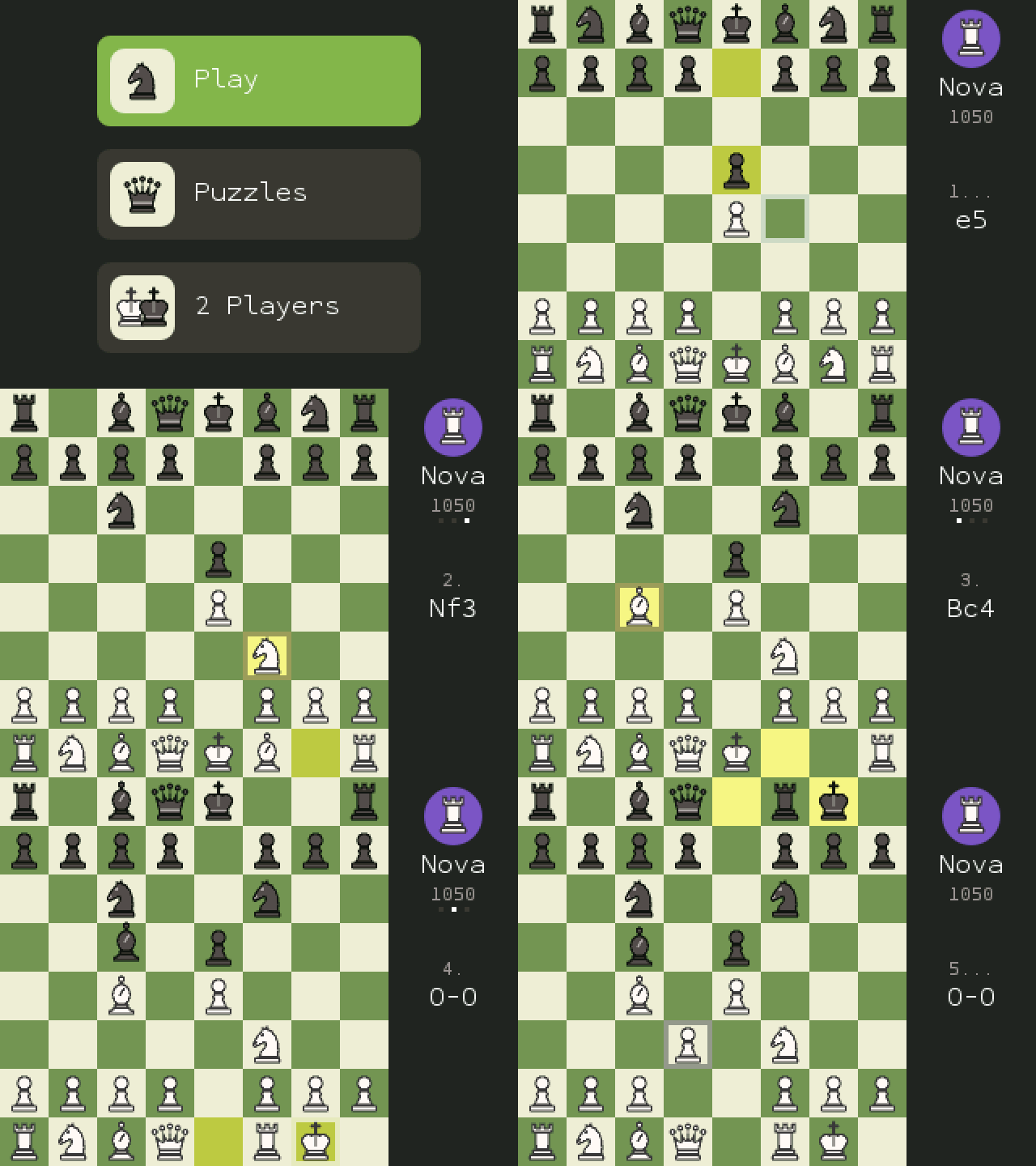
12 bots from 150 to 2100 Elo, endless puzzles, and a two-player clock.
| Key | What it does |
| --- | --- |
| **Arrows** | Move the cursor |
| **OK** or **EXE** | Pick a piece, then its move |
| **Back** | Deselect, pause menu (with Quit game), or back |
| **⌫** | Undo |
12 bots from 150 to 2100 Elo, endless puzzles, and a two-player clock.
## Flappy Bird
 | Key | What it does |
| --- | --- |
| **OK**, **Up** or **EXE** | Flap |
| **Back** | Pause menu (with Quit game) |
**Classic** plays like the original. **Custom** brings All the Apps' extras from Settings: speed, pipe density, gap size, moving pipes, jump strength, and events like wind gusts, gravity changes and narrow gaps. Medals at 10, 20, 30 and 40.
| Key | What it does |
| --- | --- |
| **OK**, **Up** or **EXE** | Flap |
| **Back** | Pause menu (with Quit game) |
**Classic** plays like the original. **Custom** brings All the Apps' extras from Settings: speed, pipe density, gap size, moving pipes, jump strength, and events like wind gusts, gravity changes and narrow gaps. Medals at 10, 20, 30 and 40.
## Pac-Man
 | Key | What it does |
| --- | --- |
| **Arrows** | Steer (a turn pressed early is taken at the next gap) |
| **Back** | Pause menu (with Quit game) |
The arcade maze and its four ghosts, each with its own way of hunting you. Leave in the middle of a game and **Continue** it later. Options: game speed, lives, input buffer, starting level.
| Key | What it does |
| --- | --- |
| **Arrows** | Steer (a turn pressed early is taken at the next gap) |
| **Back** | Pause menu (with Quit game) |
The arcade maze and its four ghosts, each with its own way of hunting you. Leave in the middle of a game and **Continue** it later. Options: game speed, lives, input buffer, starting level.
## Snake
 | Key | What it does |
| --- | --- |
| **Arrows** | Turn (two turns can wait in line) |
| **Left / Right** (Settings) | Change a setting |
| **Back** | Pause menu (with Quit game) |
Google's Snake, with its settings: 6 fruits, 12 modes (Classic, Wall, Portal, Cheese, Borderless, Twin, Winged, Yin Yang, Statue, Light, Magnet, Peaceful), 1, 3 or 5 fruits at a time, 3 speeds, 3 board sizes, 8 snake colors and 4 themes. **Shuffle** picks them all at random.
| Key | What it does |
| --- | --- |
| **Arrows** | Turn (two turns can wait in line) |
| **Left / Right** (Settings) | Change a setting |
| **Back** | Pause menu (with Quit game) |
Google's Snake, with its settings: 6 fruits, 12 modes (Classic, Wall, Portal, Cheese, Borderless, Twin, Winged, Yin Yang, Statue, Light, Magnet, Peaceful), 1, 3 or 5 fruits at a time, 3 speeds, 3 board sizes, 8 snake colors and 4 themes. **Shuffle** picks them all at random.
## Connect Four
 | Key | What it does |
| --- | --- |
| **Left / Right** | Choose a column |
| **OK**, **Down** or **1-8** | Drop a disc |
| **⌫** | Undo (against the computer) |
| **Back** | Pause menu (with Quit game) |
Against a friend, or the computer at three strengths, or three players at once. Wins are counted across rounds.
| Key | What it does |
| --- | --- |
| **Left / Right** | Choose a column |
| **OK**, **Down** or **1-8** | Drop a disc |
| **⌫** | Undo (against the computer) |
| **Back** | Pause menu (with Quit game) |
Against a friend, or the computer at three strengths, or three players at once. Wins are counted across rounds.
## Solitaire
 | Key | What it does |
| --- | --- |
| **Arrows** | Move (Up / Down on a column picks how many cards; the side columns hold the deck, Undo, New and the foundations) |
| **OK** | Pick up, put down; twice sends a card home |
| **EXE** | Draw |
| **Toolbox** | Send every card you can home |
| **⌫** | Undo |
| **Shift** | Hint |
| **Back** | Put cards back, or the pause menu |
Klondike the way Google Solitaire looks and plays: **Easy** draws 1 card, **Hard** draws 3. Options add Standard or Vegas scoring, a timed game and four card backs, and the cards bounce when you win. Your game is kept for next time.
| Key | What it does |
| --- | --- |
| **Arrows** | Move (Up / Down on a column picks how many cards; the side columns hold the deck, Undo, New and the foundations) |
| **OK** | Pick up, put down; twice sends a card home |
| **EXE** | Draw |
| **Toolbox** | Send every card you can home |
| **⌫** | Undo |
| **Shift** | Hint |
| **Back** | Put cards back, or the pause menu |
Klondike the way Google Solitaire looks and plays: **Easy** draws 1 card, **Hard** draws 3. Options add Standard or Vegas scoring, a timed game and four card backs, and the cards bounce when you win. Your game is kept for next time.
## 2048
 | Key | What it does |
| --- | --- |
| **Arrows** | Slide the tiles |
| **⌫** | Undo one move |
| **Left / Right** (title) | Board size, 3x3 to 6x6 |
| **Back** | Pause menu (with Quit game) |
Merge equal tiles to reach 2048, then keep going. Each board size keeps its game and best score.
| Key | What it does |
| --- | --- |
| **Arrows** | Slide the tiles |
| **⌫** | Undo one move |
| **Left / Right** (title) | Board size, 3x3 to 6x6 |
| **Back** | Pause menu (with Quit game) |
Merge equal tiles to reach 2048, then keep going. Each board size keeps its game and best score.
## Minesweeper
 | Key | What it does |
| --- | --- |
| **Arrows** | Move |
| **OK** | Open a square; on a number with all its flags, open around it |
| **Shift**, **⌫** or **0** | Flag |
| **Back** | Pause menu (with Help and Quit game) |
Beginner, Intermediate, Expert or your own size and number of mines. The first square is always safe. Options: **No guessing** (only boards you can solve by logic), ? marks, whether the first square opens an area, and whether the cursor wraps around the edges.
| Key | What it does |
| --- | --- |
| **Arrows** | Move |
| **OK** | Open a square; on a number with all its flags, open around it |
| **Shift**, **⌫** or **0** | Flag |
| **Back** | Pause menu (with Help and Quit game) |
Beginner, Intermediate, Expert or your own size and number of mines. The first square is always safe. Options: **No guessing** (only boards you can solve by logic), ? marks, whether the first square opens an area, and whether the cursor wraps around the edges.
## Block Breaker
 | Key | What it does |
| --- | --- |
| **Left / Right** | Move the paddle (hold to speed up) |
| **OK** or **Up** | Launch the ball |
| **Back** | Pause menu (with Quit game) |
Google's brick breaker: seven bricks across in blue, red, yellow and green, wall after wall, each a little faster. Bricks with a sign hold a power-up: **TNT** blows up its neighbors, **+** gives a ball, **O** splits the ball in three, **<->** widens the paddle, a **flame** makes a fireball and **beams** fire lasers. Settings: speed and screen shake.
| Key | What it does |
| --- | --- |
| **Left / Right** | Move the paddle (hold to speed up) |
| **OK** or **Up** | Launch the ball |
| **Back** | Pause menu (with Quit game) |
Google's brick breaker: seven bricks across in blue, red, yellow and green, wall after wall, each a little faster. Bricks with a sign hold a power-up: **TNT** blows up its neighbors, **+** gives a ball, **O** splits the ball in three, **<->** widens the paddle, a **flame** makes a fireball and **beams** fire lasers. Settings: speed and screen shake.
## NumVisuals
 | Key | What it does |
| --- | --- |
| **Left / Right** | Pick a background, then an add-on |
| **OK** | Next step: backgrounds, add-ons, then full screen |
| **Back** | One step back |
| **OK** (clock, text) | Change the time or the words |
| **OK / ⌫** (stopwatch, timer) | Start or stop / reset |
| **OK, Up, +** / **Down, -** (counter) | Count up / down. **⌫** goes back to 0 |
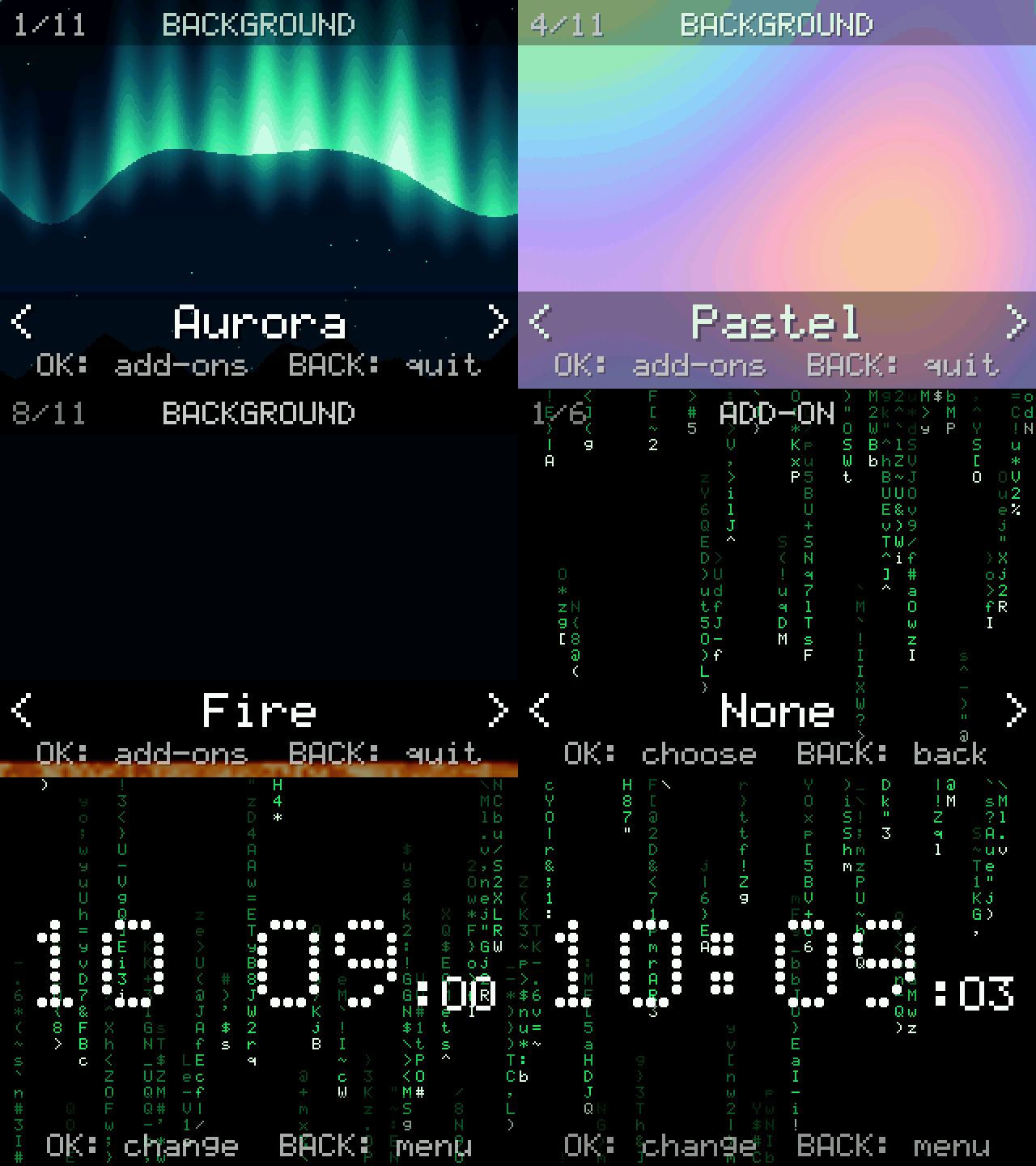
11 backgrounds and 5 add-ons: a clock, a stopwatch, a timer, a counter and your own text (press **Alpha** for letters). Everything is kept for next time.
| Key | What it does |
| --- | --- |
| **Left / Right** | Pick a background, then an add-on |
| **OK** | Next step: backgrounds, add-ons, then full screen |
| **Back** | One step back |
| **OK** (clock, text) | Change the time or the words |
| **OK / ⌫** (stopwatch, timer) | Start or stop / reset |
| **OK, Up, +** / **Down, -** (counter) | Count up / down. **⌫** goes back to 0 |
11 backgrounds and 5 add-ons: a clock, a stopwatch, a timer, a counter and your own text (press **Alpha** for letters). Everything is kept for next time.