
NumPlay
16 free games for your NumWorks calculator, in one app.
NumDash, Crossy Road, NumDrive, Balatro, Buckshot Roulette, Portal Returns, Tetris, Chess, Flappy Bird, Pac-Man, Snake, Connect Four, Solitaire, 2048, Minesweeper and Block Breaker, plus NumVisuals: moving backgrounds with a clock, a timer and more.
And Champion Island, the Doodle Champion Island Games, as an app of its own.

Open to game requests! Email me at masonchen204@gmail.com.
Also try Numcraft and this great list of NumWorks games and apps, made by others!

Go support the original games!
NumPlay is a fan project, made out of love for these games and for the NumWorks calculator. It is not meant to replace any of them. If you enjoy a game here, go play the original and support the people who made it.
NumWorks also has a great community of people making games by hand, some of them over years. Go try their work too: Numcraft, Celeste Classic, Tatone26’s All the Apps, the apps on Nwagyu and many more in yannis300307’s list.
Download
Click a file to download it. Not sure which one? Take the first.
|
NumPlay.nwa All 16 games and NumVisuals in one app. Start here! |
 |
NumPlay-Invisible.nwa The same app, hidden. Its icon is plain white, like the calculator's home screen, and it has no name, so it looks like an empty spot. |
 |
NumPlay-Matrices.nwa The same app, in disguise. It looks like a math app called Matrices, next to the calculator's own apps. |
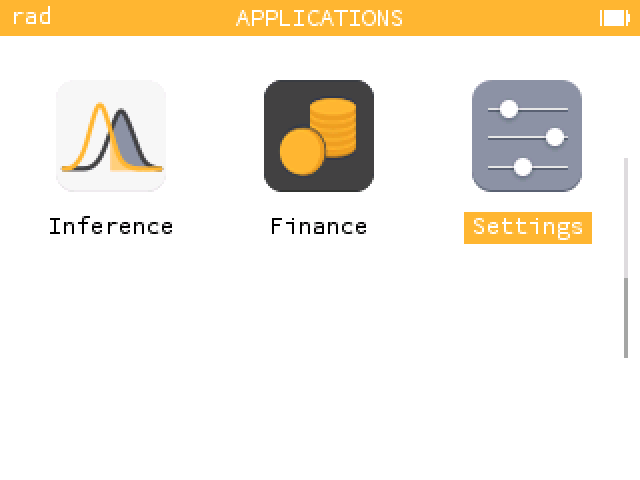 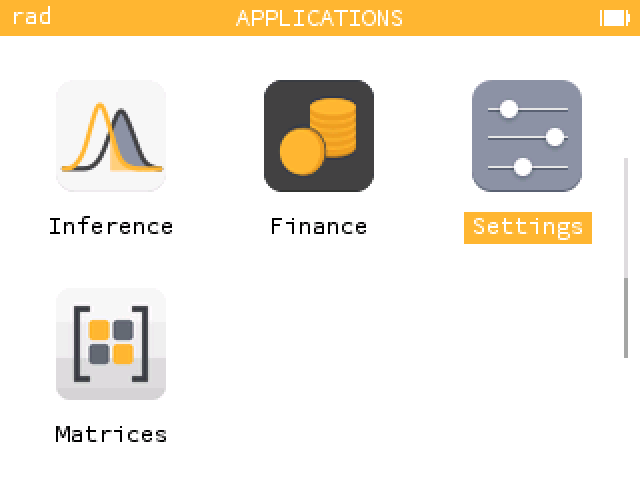 On the home screen: the invisible one is really there, in the empty spot after Settings. The Matrices one sits among the calculator's own apps. |
|
 |
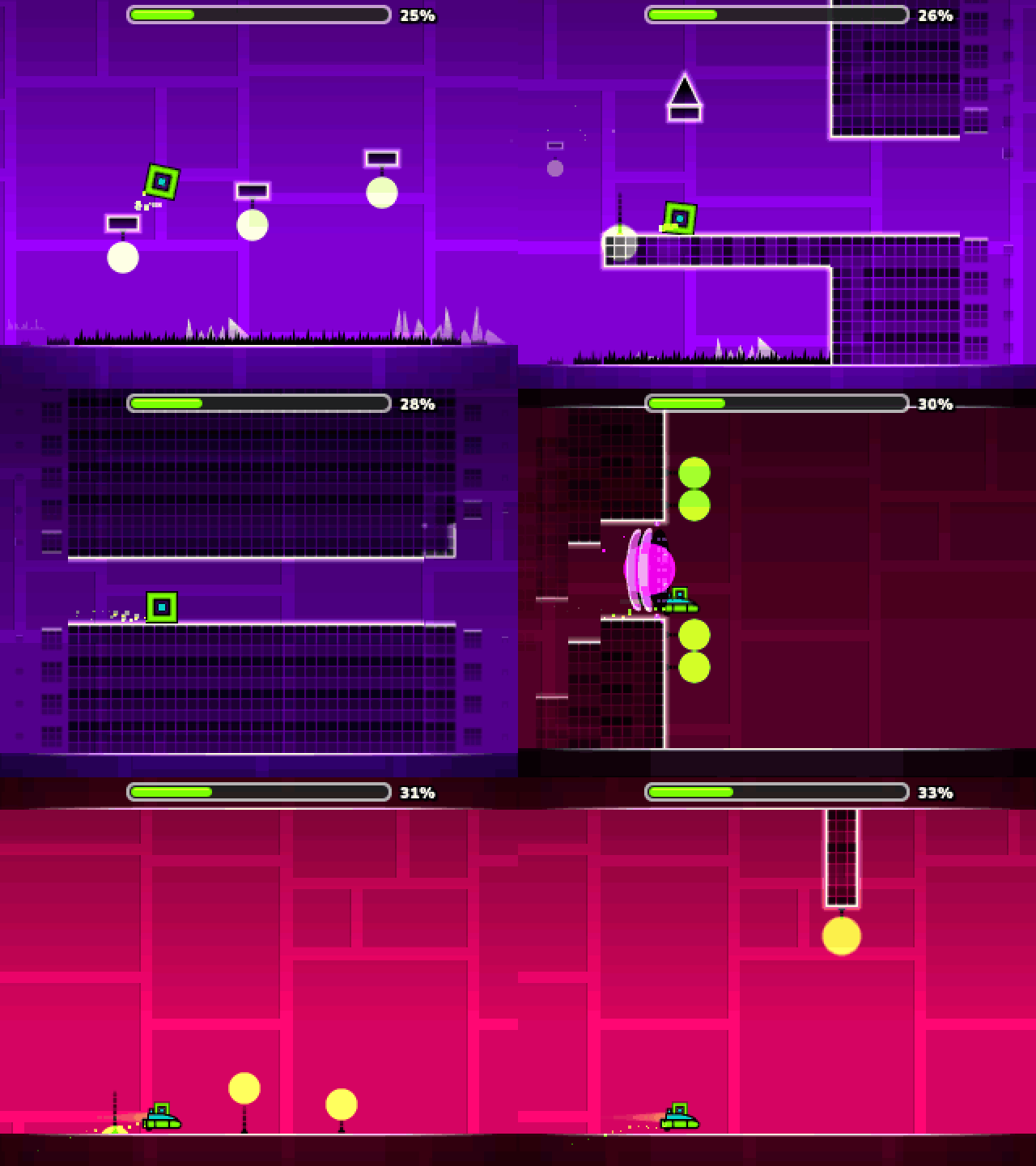
NumDash.nwa Only NumDash: jump to the beat |
 |
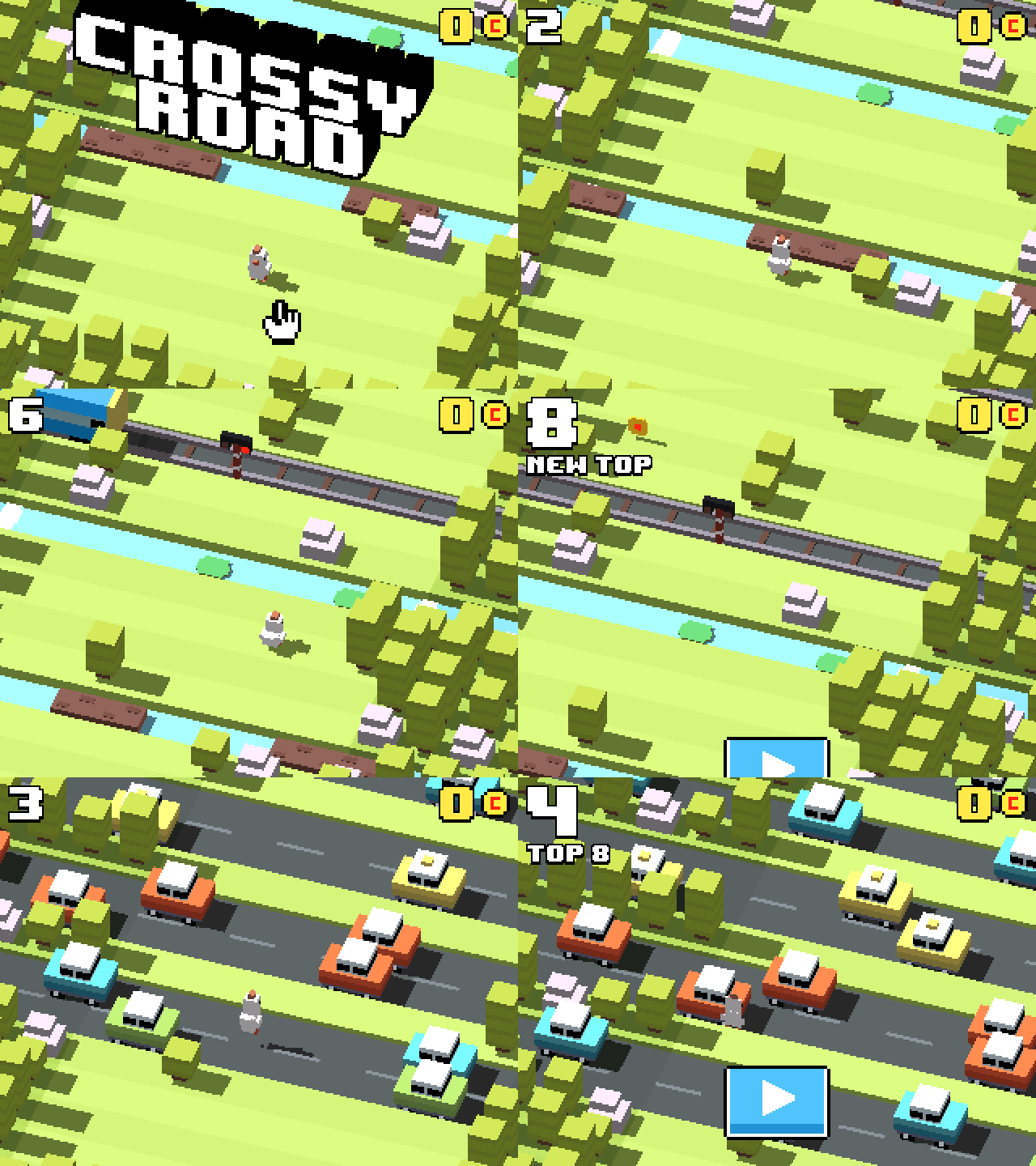
CrossyRoad.nwa Only Crossy Road: hop, dodge, survive |
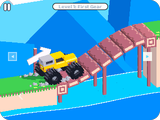 |
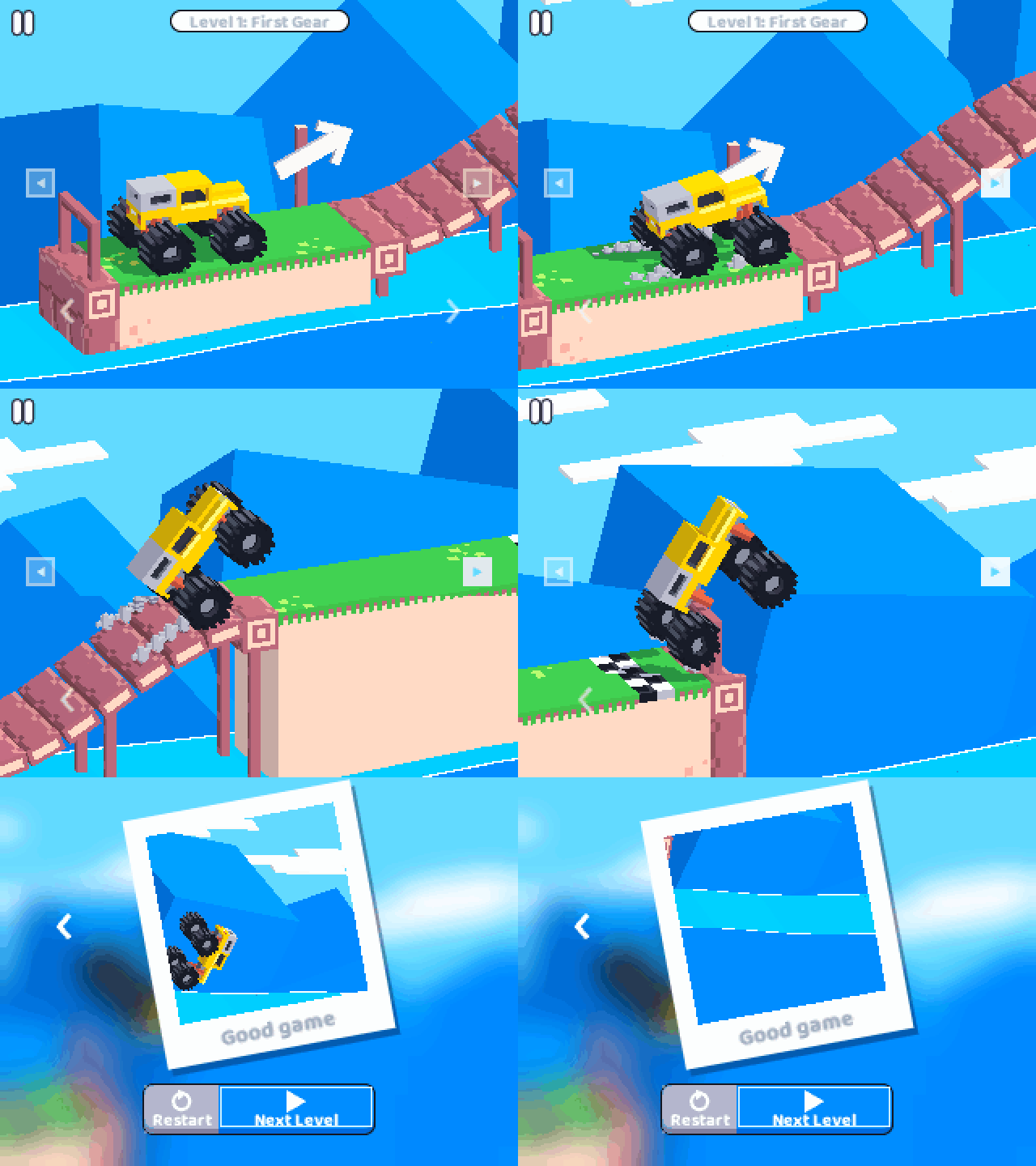
NumDrive.nwa Only NumDrive: drive, flip, finish |
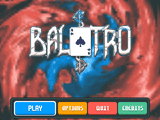 |
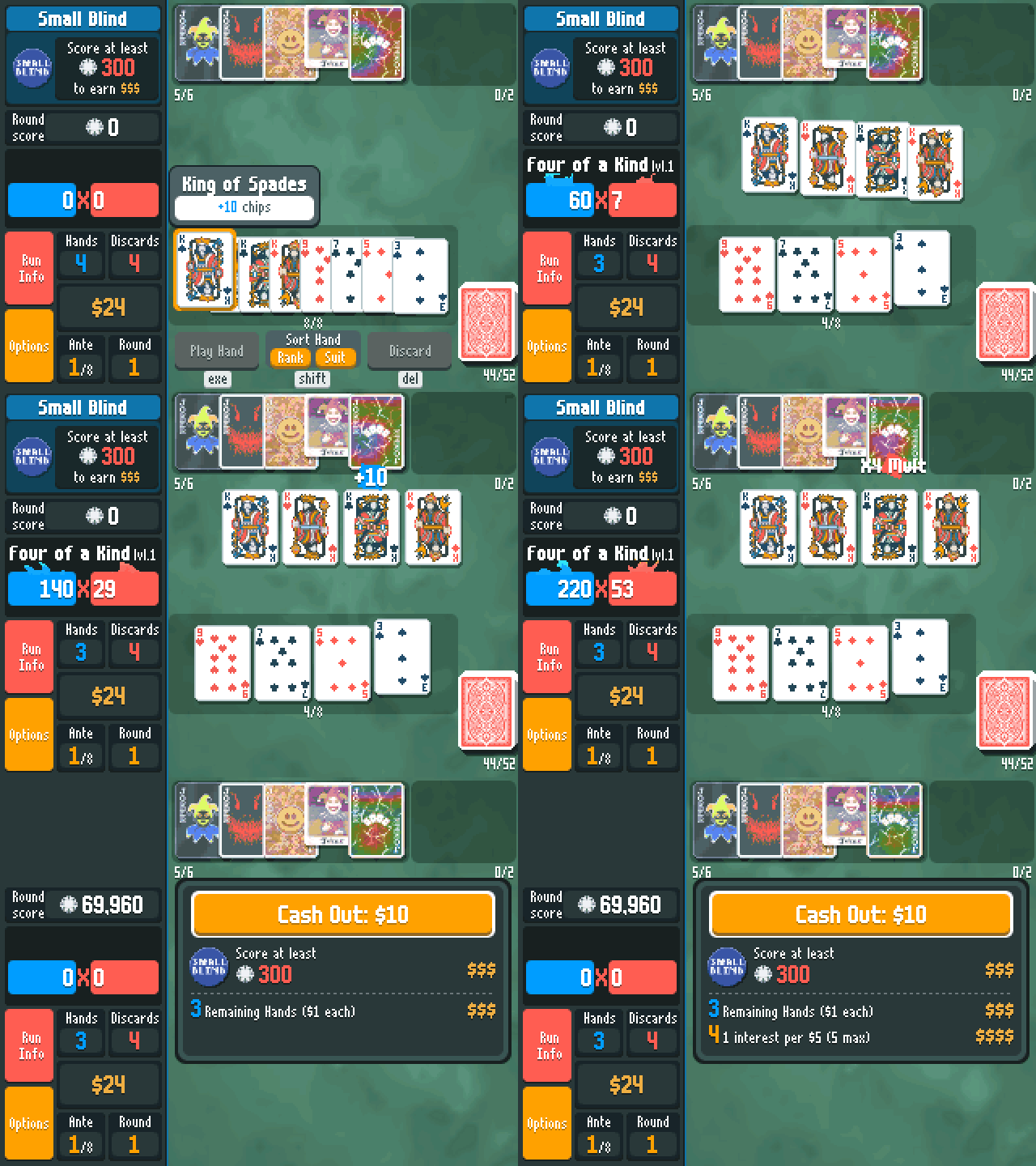
Balatro.nwa Only Balatro: poker hands, wild jokers |
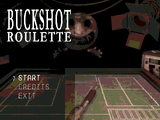 |
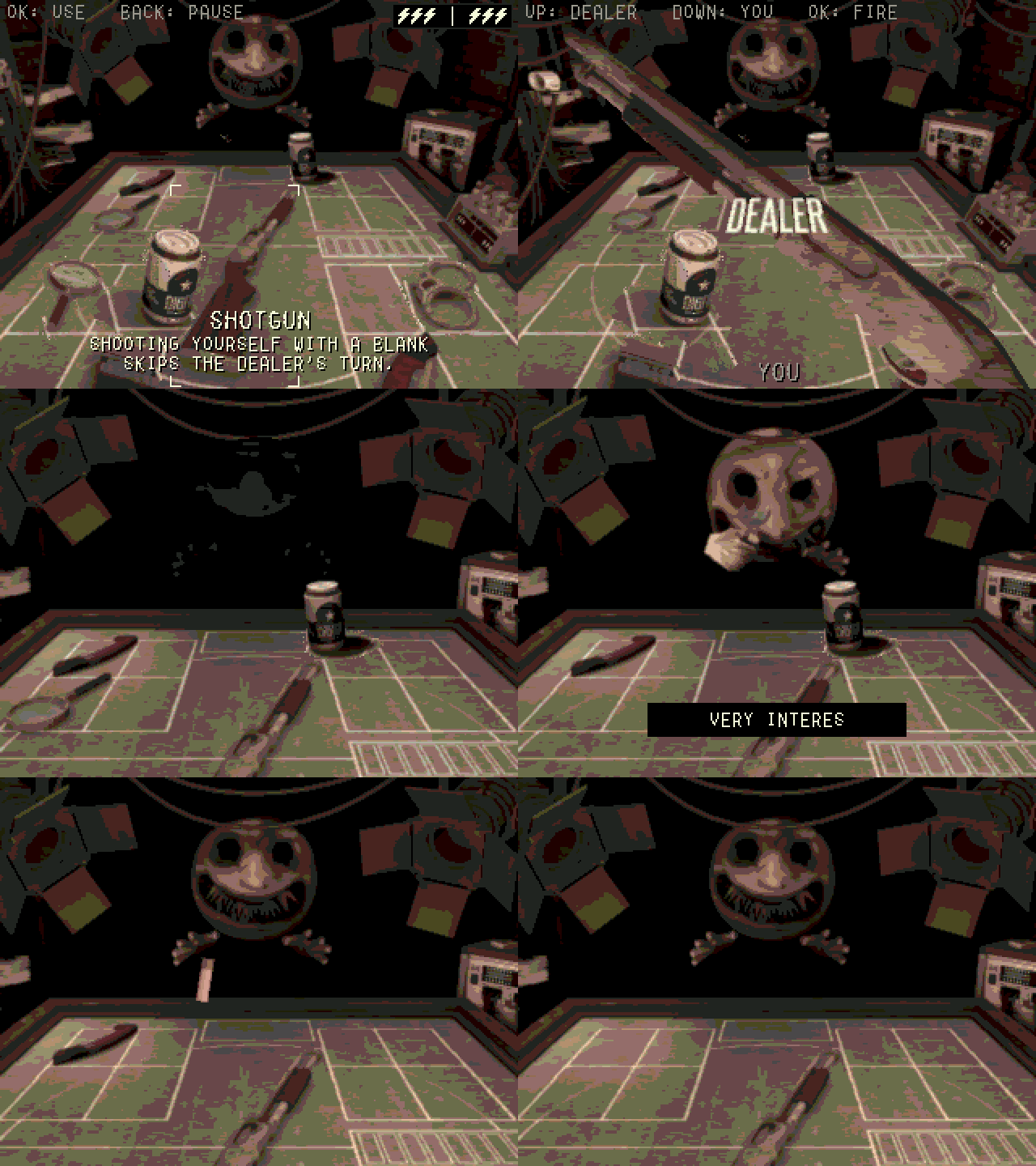
BuckshotRoulette.nwa Only Buckshot Roulette: you, the Dealer, one shotgun |
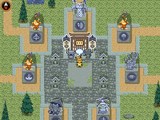 |
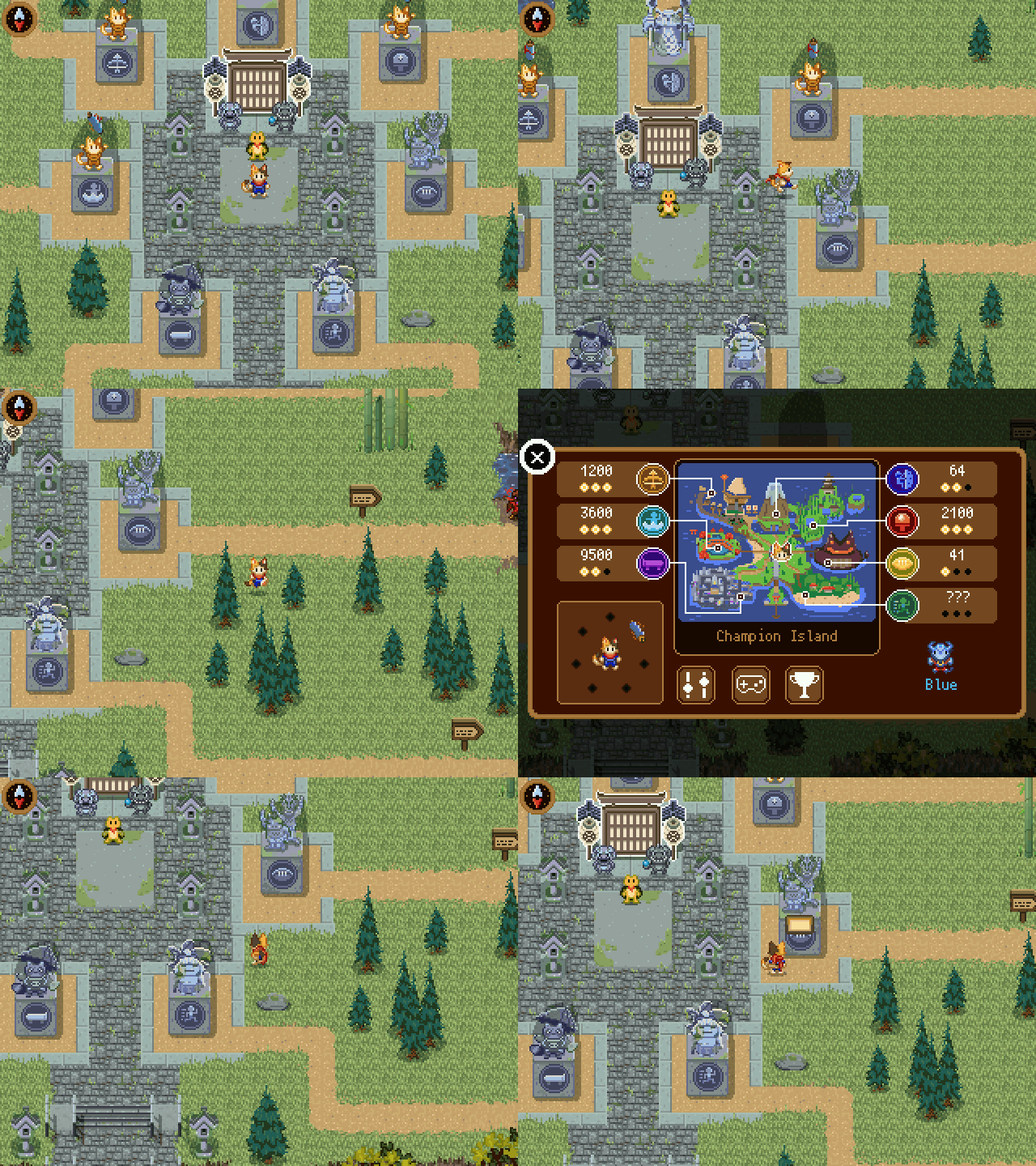
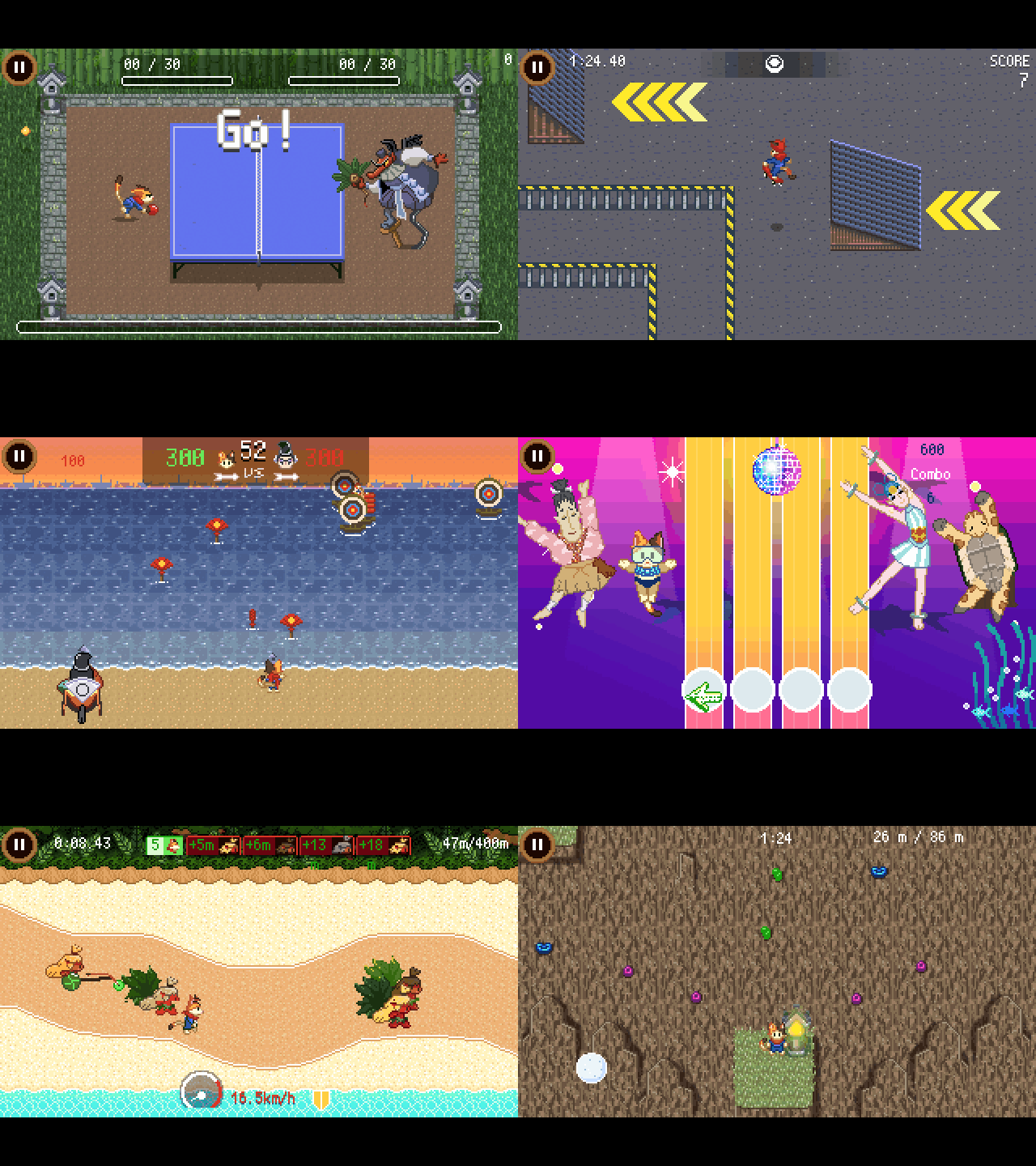
ChampionIsland.nwa Champion Island: the whole island and its seven sports. It fills the calculator's app space, so it comes on its own, not inside NumPlay (more) |
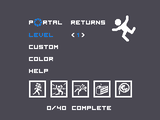 |
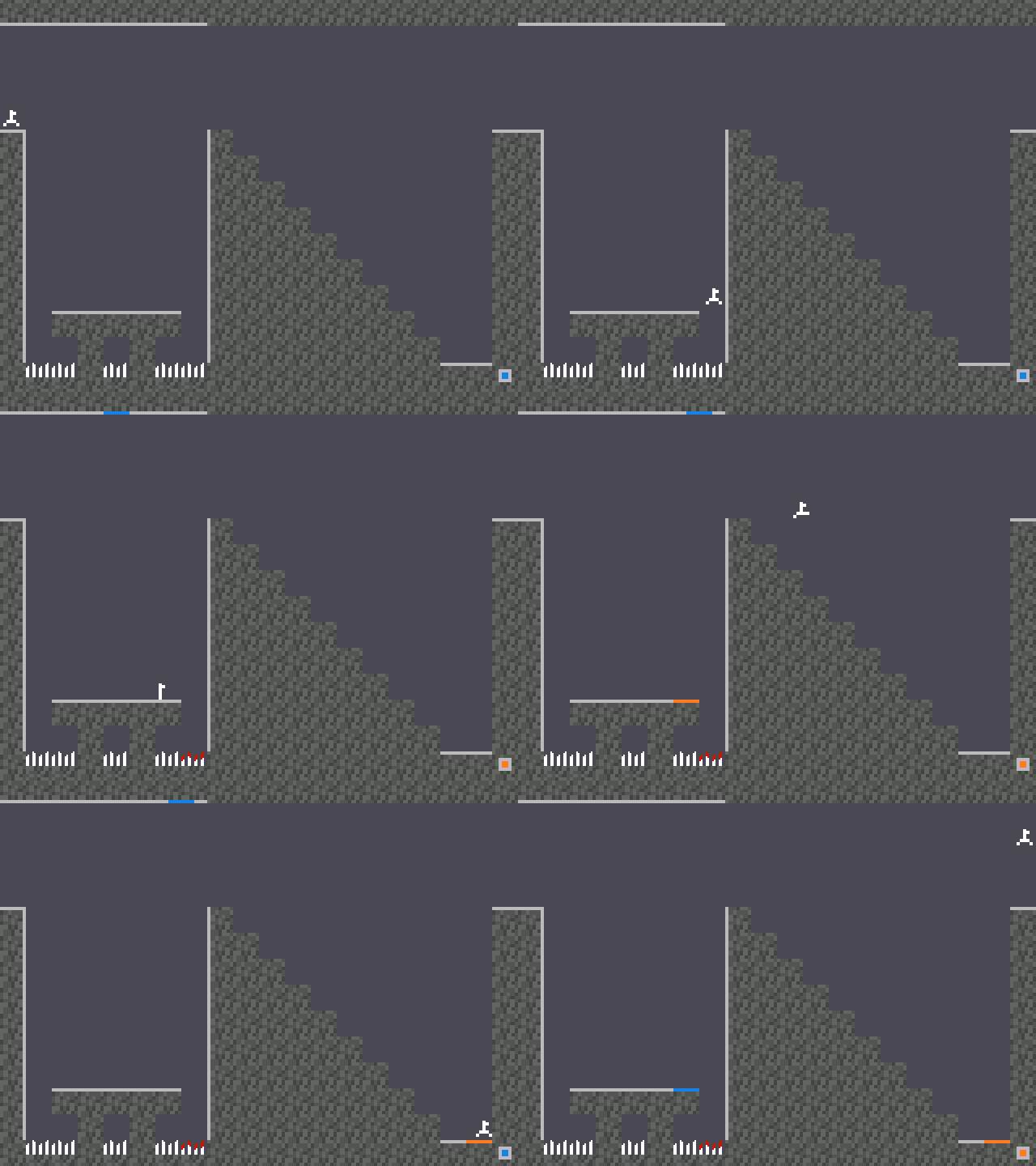
PortalReturns.nwa Only Portal Returns: think with portals |
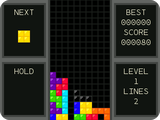 |
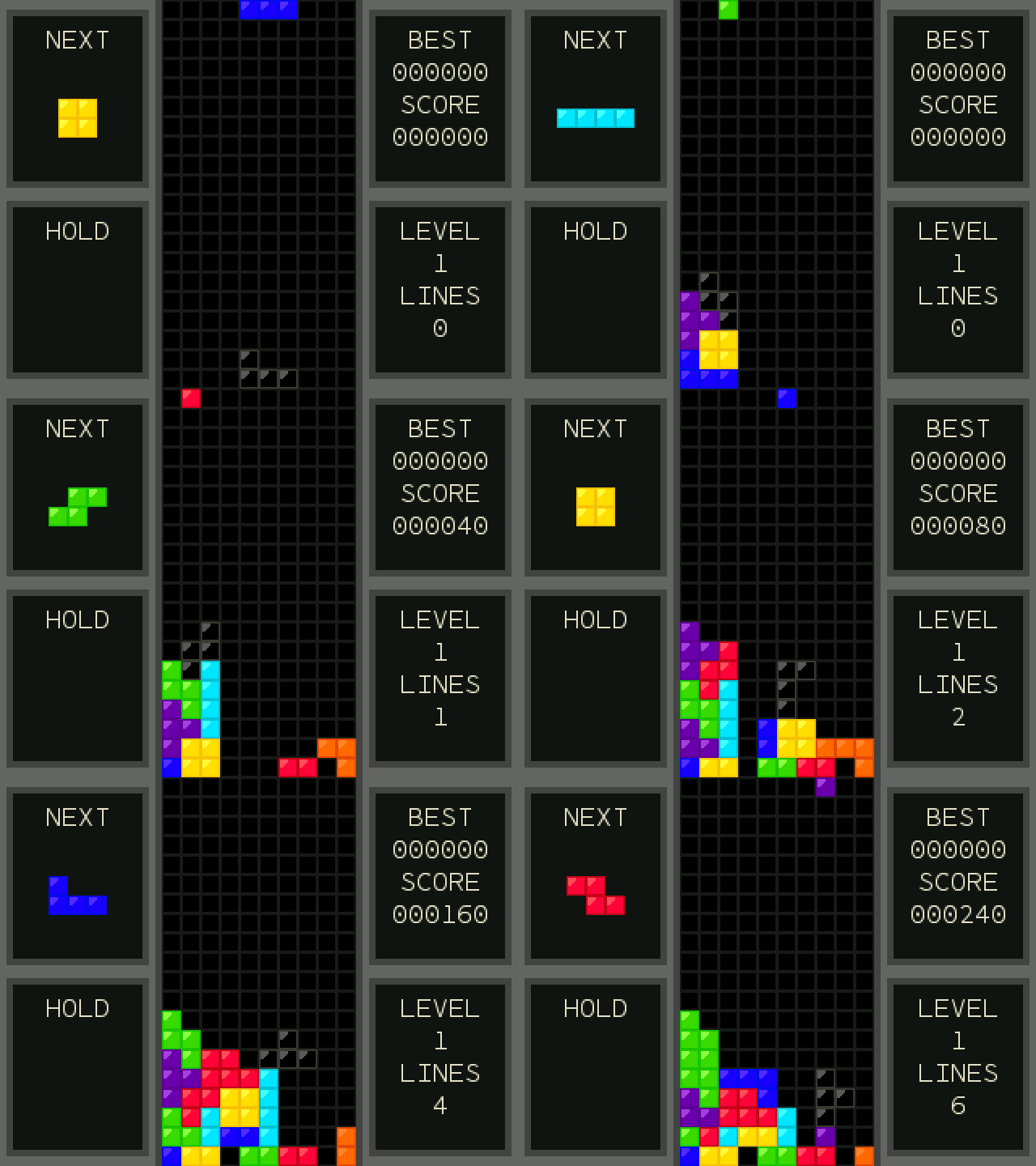
Tetris.nwa Only Tetris: stack and clear lines |
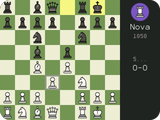 |
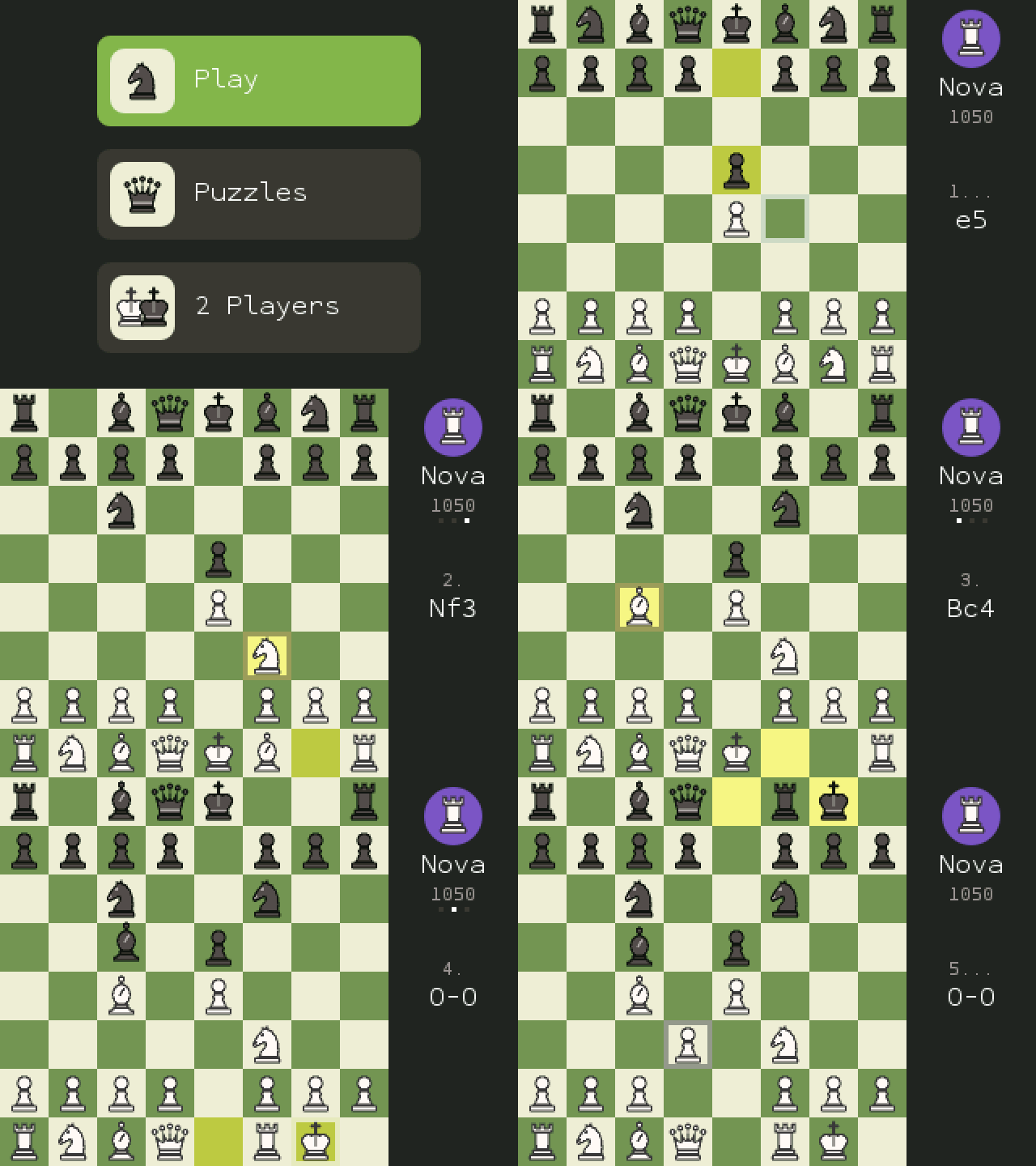
NumChess.nwa Only Chess: bots, puzzles, 2 players |
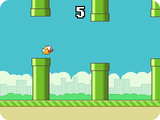 |
FlappyBird.nwa Only Flappy Bird: flap through the pipes |
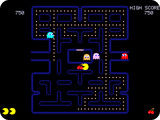 |
PacMan.nwa Only Pac-Man: eat dots, dodge ghosts |
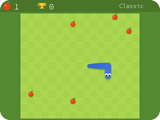 |
Snake.nwa Only Snake: Google's snake, with its 12 modes |
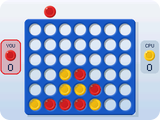 |
ConnectFour.nwa Only Connect Four: four in a row wins, against a friend or the computer |
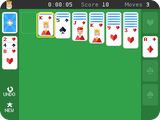 |
Solitaire.nwa Only Solitaire: the classic card game, the way Google plays it |
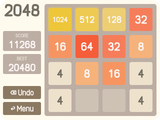 |
2048.nwa Only 2048: slide, merge, reach 2048 |
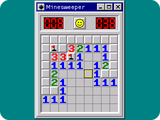 |
Minesweeper.nwa Only Minesweeper: clear the field, flag the mines |
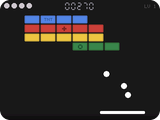 |
BlockBreaker.nwa Only Block Breaker: break every brick, set off the power-ups |
 |
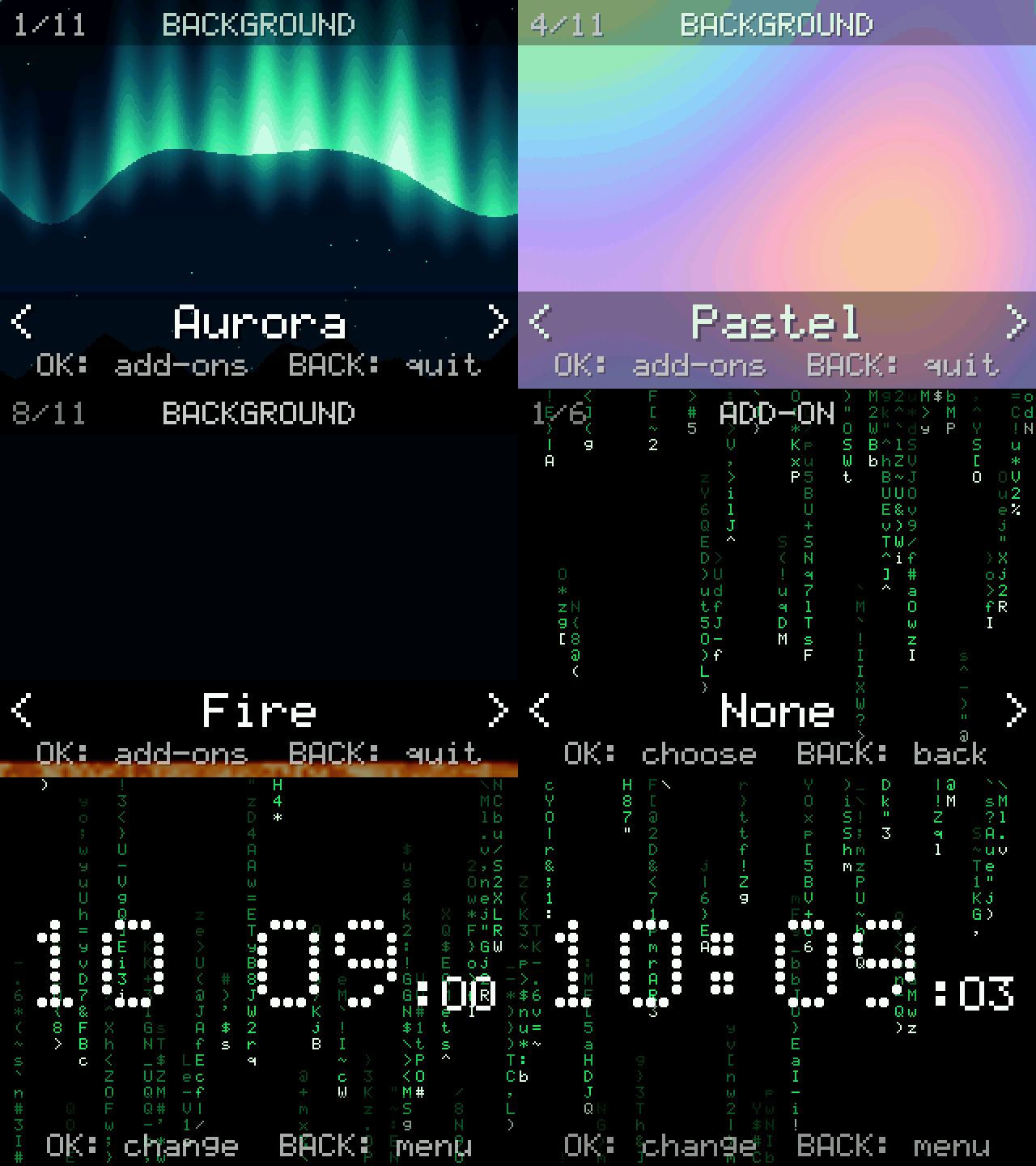
NumVisuals.nwa Only NumVisuals: backgrounds, clocks, timers |
The first three are the same app with the same games: only the icon and the name change. Your progress is saved on the calculator either way.
How to install
You need your calculator, its USB cable, and a computer with Google Chrome or Microsoft Edge. It takes about 2 minutes.
- Download a file from the table above. It goes to your Downloads folder.
- Plug your calculator into the computer and turn it on.
- Go to my.numworks.com/apps and log in. No account? Sign up there, it’s free.
- Click Connect, then pick your calculator in the small window that opens.
- Add the file you downloaded, then click Install. Keep the calculator plugged in until it’s done.
- Play! On your calculator, press the Home key (the little house), go to the end of the apps and open NumPlay.
[!TIP] Updating? Install the new file the same way. Your progress comes back by itself: NumPlay keeps a copy of it in a Python script called
numplay_saves.py, the one kind of file the website keeps. (This works for updates from version 1.2.1 on.)Already have other apps from that website? It swaps them for the new ones, so add them again in step 5 to keep them. The calculator’s own apps are never touched.
Nothing happens when you plug it in? Try another cable: some only charge.
Gameplay
 |
 |
 |
 |
 |
 |
 |
 |
 |
 |
 |
 |
 |
 |
 |
 |
 |
 |
 |
 |
Acknowledgements
- Tatone26’s All the Apps inspired NumPlay’s list of classics. Flappy Bird, Pac-Man, Snake, Connect Four, Solitaire and 2048 are written in C for NumPlay and keep its options, with no code copied from it. Tetris is Tatone26’s own, which they released into the public domain, adapted for NumPlay.
- Gabriele Cirulli made 2048.
- Snake, Solitaire and Block Breaker look and play like Google’s games in Search. They are drawn from scratch; nothing is taken from Google.
- gd3ds by AleFunky and friends, whose research into Geometry Dash made NumDash possible. Clubstep, Deadlocked and Dash also rely on gdsolver’s measurements of Geometry Dash 2.2, level data from gmdkit by HDanke and checks against GDRWeb by IliasHDZ.
- Balatro by LocalThunk inspired NumPlay’s Balatro, which uses art adapted from the game and the m6x11 font by Daniel Linssen.
- Buckshot Roulette by Mike Klubnika inspired NumPlay’s Buckshot Roulette, whose scenes are rendered from the game through the Open Buckshot Roulette project (1503Dev). Fonts: Fake Receipt by Ray Larabie and Dot Matrix by Dionaea.
- The Doodle Champion Island Games (2021) inspired Champion Island, which uses the doodle’s own pictures, maps and texts from the Google-Doodle-Champion-Island archive by potherca-blog, and the PixelMplus font by Itou Hiroki (license).
- Portal Returns by MateoConLechuga for the TI-84 Plus CE, with sprites by CKH4 and Portal Prelude chambers ported by Unicorn from BuilderBoy’s original.
- The Nunito and Rammetto One fonts, under the SIL Open Font License (LICENSES).
Unofficial fan games, not affiliated with NumWorks, RobTop Games (Geometry Dash), Hipster Whale (Crossy Road), the makers of Drive Mad, LocalThunk or Playstack (Balatro), Mike Klubnika or Critical Reflex (Buckshot Roulette), MateoConLechuga (Portal Returns), Valve (Portal), .GEARS (Flappy Bird), Bandai Namco (Pac-Man), Hasbro (Connect Four), Google (Snake, Solitaire, Block Breaker, Doodle Champion Island Games), STUDIO4°C or Microsoft (Minesweeper). Tetris is a trademark of The Tetris Company, Pac-Man of Bandai Namco and Connect Four of Hasbro.